
The product spreadsheet, column by column.
A well-built spreadsheet gets imported the same day. A badly built one comes back with questions and costs a week. Here's what goes in each column, how variants and packs are loaded, and the six mistakes that show up in almost every spreadsheet we receive.
The golden rule: one row per variant
If your product comes in sizes or colors, every combination is a row with its own code. You don't write “Tee S/M/L” on a single line: you write three lines, same name, different option. That's what lets the store show one product with a size selector, track stock per size and build the right order.
The columns, one by one
You don't need all of them. Code, name, category and price are enough to import; the rest adds quality to the product page and precision to the order. If your export brings columns not listed here, send them anyway: they don't get in the way.
| Column | What goes in it | Example | Required? |
|---|---|---|---|
| CODE / SKU | The unique identifier of each row. It's also what will name the image folder later. | RM-001-S | Yes |
| PRODUCT NAME | The commercial name, without size or color inside it. This is what groups the variants. | Plain cotton tee | Yes |
| OPTIONS | The values that tell that row apart: color, size, measure, flavor, voltage. One column per option type. | Color: Black · Size: S | If there are variants |
| UNITS PER PACK | How many units fit in the pack you sell. It's what makes the order wholesale instead of retail. | 12 | Strongly recommended |
| MINIMUM ORDER | The minimum quantity of that item a buyer must take, in packs or units. | 2 | Optional |
| SHORT DESCRIPTION | One line shown in the listing, next to the price. It helps decide without opening the product page. | Combed cotton 24/1, reinforced collar | Recommended |
| PRODUCT DETAIL | The long text on the product page: composition, care, uses. Line breaks are fine. | 100% cotton. Wash at 30°… | Optional |
| STOCK | Units available for that variant. Once the ERP is connected, it syncs on its own. | 240 | Recommended |
| CATEGORY | Where the product lives in the menu. Hierarchy is written with the greater-than sign. | Apparel > T-shirts | Yes |
| PRICE | The base wholesale price. Numbers only, no currency symbol and no thousands separator. | 4200 | Yes |
| PRICE LIST 2, 3… | One column per price list, if you run different terms per customer type. | 3990 | Optional |
| BARCODE | EAN or UPC. Used for catalog feeds and for scanner-based order picking. | 7791234567890 | Optional |
| WEIGHT AND DIMENSIONS | Pack weight and dimensions, so the shipping calculation isn't an eyeball estimate. | 2.4 kg · 40×30×20 | Optional |
Headers can be named whatever you want and sit in whatever order: we map them during the import. What matters is that every column has a header and holds the same kind of data all the way down.
Variants: the full example
Two products: a tee that comes in three sizes and a hoodie with no variants. The tee takes three rows under the same name; the hoodie takes one. This is how the spreadsheet looks, and how the store looks afterwards.
The example spreadsheet has cells with embedded help: hover over one and it explains what that column expects. You can copy it and use it as is.
What only exists in wholesale
A spreadsheet that came out of a retail store brings price and stock, and nothing else. B2B is missing three fields that completely change how buying works, and they're the ones that generate the most questions when absent.
Units per pack
It's how many units the closed pack you sell contains. If a tee sells in 12s, the buyer sees “pack × 12” and the cart counts in twelves, not in ones. Without it, the store behaves like a retailer and every order has to be fixed by hand.
Minimum order
It can be per product (two packs minimum of that item) or per order (a minimum amount to ship). The order-level minimum is set once in the panel; the per-product one comes from the spreadsheet.
Per-customer price lists
Wholesale pricing is rarely a single number: the big distributor doesn't pay what the small reseller pays. Each list is one more column in the spreadsheet, then assigned to each customer from the panel. The buyer logs in and sees their own, never all of them.
Categories with hierarchy
Each product's category is written as a path, with the greater-than sign separating levels: Apparel > T-shirts > Short sleeve. From that we build the menu, the filters and the category pages, with no separate tree for you to draw.
- Two or three levels are enough. More depth just hides products.
- A product can live in several categories: separate them with a semicolon.
- Always spell a level the same way: “T-shirts” and “t-shirt” import as two different categories.
Exporting from your management system
If your catalog already lives in an accounting system or an ERP, don't rebuild the spreadsheet by hand: export the list exactly as it comes out and send it. We map it. Every system keeps its export in a similar place.
- Open the items, products or inventory listing.
- Look for an Export or Download button, or an Excel icon, usually at the top right.
- Pick Excel or CSV, and every available column: better to have too much information than too little.
- Send the file without opening or tweaking it. Every manual touch-up is a new source of errors.
The mistakes that delay the import the most
- Prices with a currency symbol or thousands separator.
$ 4,200reads as text, not a number. Write4200, with a decimal point only if there are cents. - Merged cells used to group products.They look nice on screen and break any import: the value has to be repeated on every row.
- The same code on two different rows.One overwrites the other. If two variants share a SKU, each needs its own before the spreadsheet is sent.
- The company logo and three title rows above the table.Headers must sit in the first row. Anything above them gets imported as if it were a product.
- A separate sheet per category.It's more work for everyone. A single table with a category column does exactly the same job.
- The spreadsheet sent as a PDF or a photo.Nothing can be imported from a PDF: it all has to be retyped. The file must be Excel, CSV or a link to the spreadsheet.
How Insumos Bijou changed with VentasxMayor.
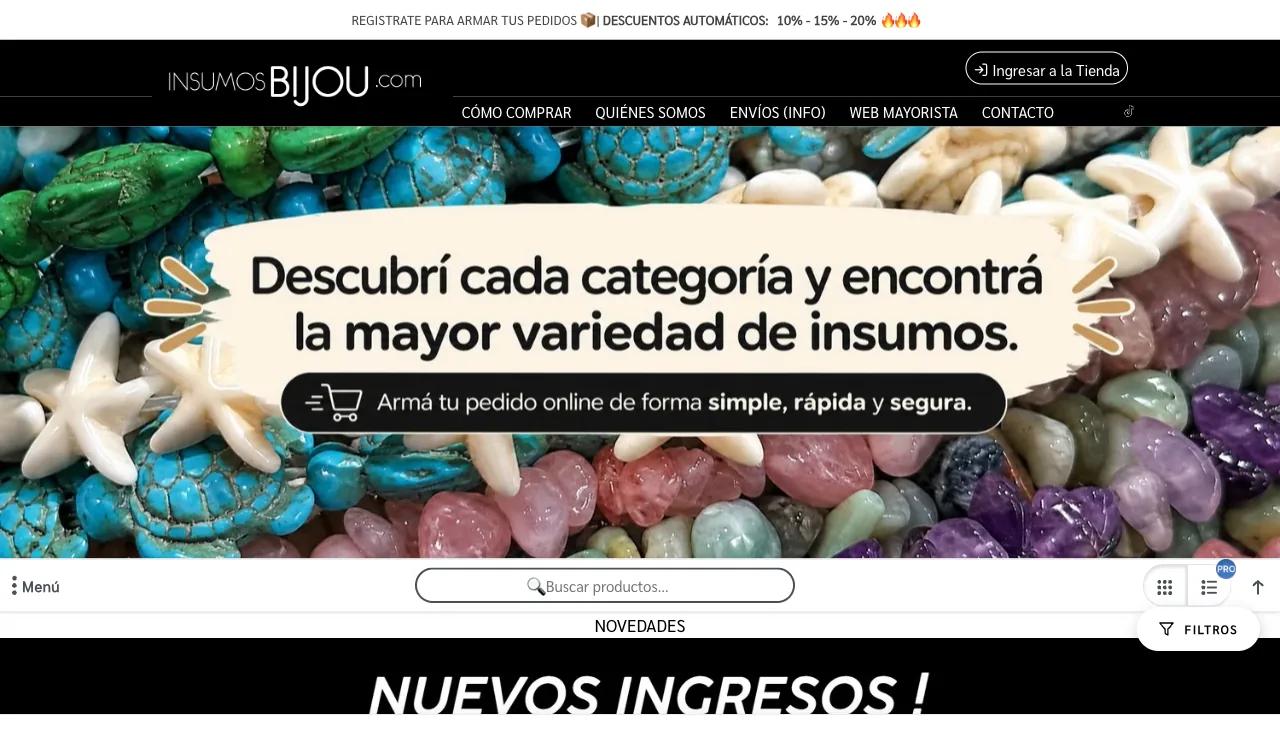

“Our sites carry over 9,000 items, and not every platform can handle that. What matters is having a good team, and with VentasxMayor we got there.”
Your advisor reviews the spreadsheet before importing it
Send whatever you have, even half-built. We review it, flag what's missing and import it. That's faster than perfecting it before showing it.