
Three things from your company. The store arrives ready to sell.
Logo, domain and catalog: that is everything we ask for. We build the store with your brand, import the products, create the corporate mailboxes and hand it over working. And if you already sell on another platform, there is no catalog to gather: we bring it over.
Before gathering anything: where do your products live today?
The answer changes all the work. If you already have an online store, you prepare nothing. If you start from scratch or live in spreadsheets, the path is five short steps.
I already sell on another platform
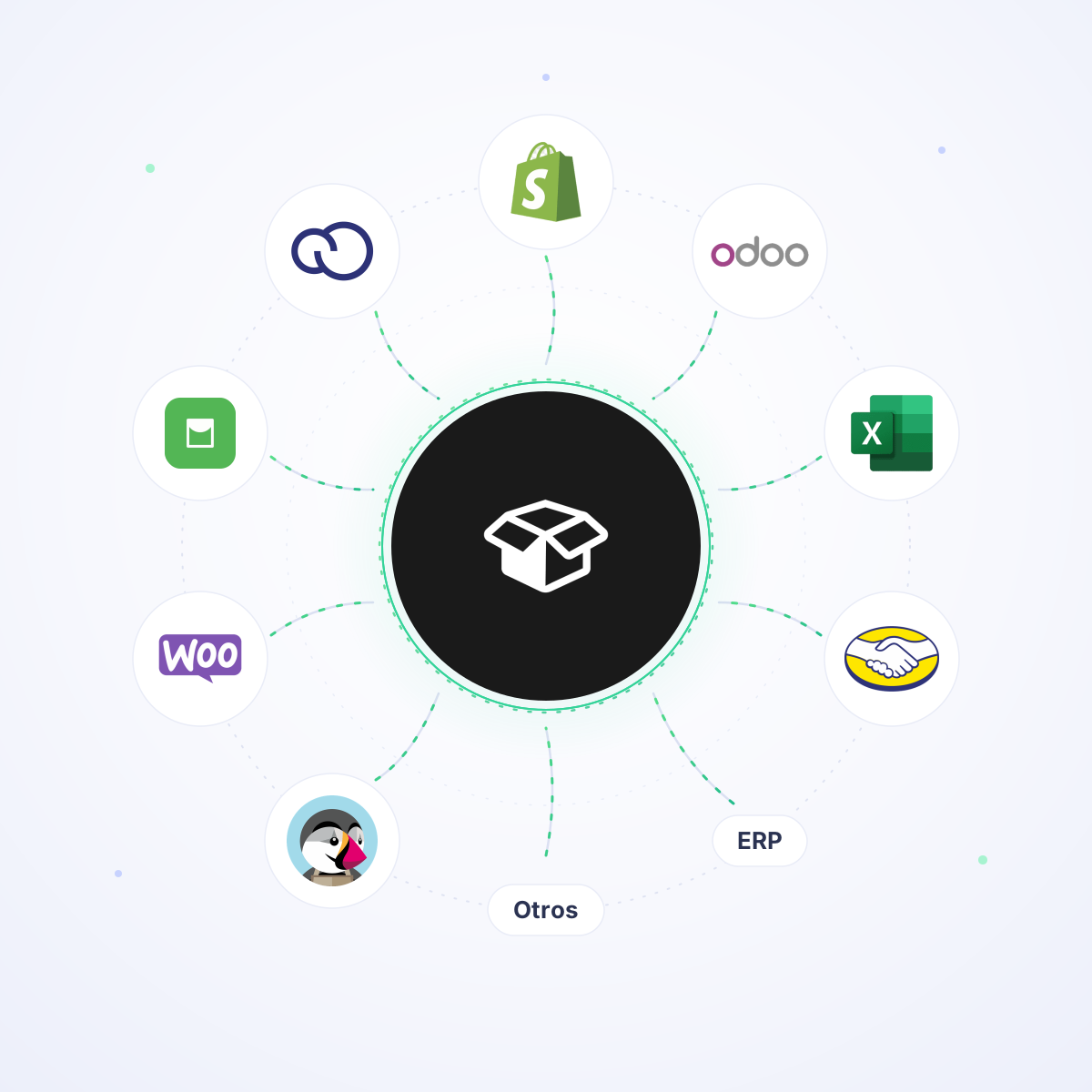
Tiendanube, WooCommerce, Shopify, Odoo, Empretienda, PrestaShop, Mercado Libre or your ERP. You give us access and we migrate products, variants, prices, stock, images and customers. You prepare nothing.
I'm starting from scratch or I have spreadsheets
Your catalog lives in an Excel file, in the accounting system or in a notebook. We tell you exactly what to send, in which format and with which examples, and the two steps with the most fine print have their own deep guide.
It migrates in a day. And you do nothing.
We already know how each platform exports: which columns it brings, where it hides the variants, how it names the images and what it drops along the way. That's why migrating isn't a three-month project — it's one day of our work.
- YOUR PART · FIVE MINUTES
You hand us the access, or the file
A read-only user on your current store, or the export file its panel gives you. Nothing else. If you don't know where it is, your advisor finds it with you on a call.
- OUR PART · THE SAME DAY
We import it and translate it to wholesale
Products, variants, codes, prices, stock, categories, images and customers. Our engineers map every field to the B2B structure: units per package, minimum order and per-customer price lists, which a retail store simply doesn't have.
- AND DONE
You get the store loaded, not empty
You review it with your advisor, we adjust whatever is missing and it goes live on your domain. No half migrations, no empty catalog and no losing years of data entry.
Does your catalog live in an ERP? The connection is set up during implementation, and from then on stock and prices sync on their own. See ERP integrations
Five steps. None of them takes more than an afternoon.
Every step says what to send, in which format and to whom. The three with the most fine print — the domain, the spreadsheet and the images — also have their own deep guide.
The logo, and the store comes out as your brand
The first thing we ask for is the logo or the brand manual. With it the team builds the store with your colors, your typography and your logo in the header. Not a generic template with your name on top: your identity applied to the store.
- jpg, png or pdf in high resolution; ideally with a transparent background.
- If a brand manual exists, send the whole thing: we use the exact colors and typography.
- Everything is reversible: styles can be changed later from the panel's customizer.
Send it to your commercial advisor or by email to hello@ventasxmayor.com.
The domain: the address where they'll find you
A domain is your company's own name on the internet. If you already have one, we connect it to the store; if not, your advisor registers it. It's the only step that touches a panel that isn't ours, and you don't do it alone.
- If you already have a domain: tell us which one and we guide you through delegating the DNS.
- If you don't: you pick the name and we handle it. A .com costs USD $40 a year.
- Hosting, security certificate and email are included: you hire nothing separately.
Email on your domain, free and without leaving Gmail
Once the domain is live we create the corporate mailboxes: info@, sales@, orders@. They link to the Gmail account you already use every day, so you keep writing from where you always did, but the customer sees your brand in the sender.
- No charge: the mailboxes are included in the service.
- Operated from your usual Gmail (the service works with Gmail accounts).
- A sender on your own domain is easier to remember and builds trust in a wholesale deal.
The catalog: a spreadsheet, an export or manual entry
Importing the initial catalog is free. The fastest way is a spreadsheet: one row per product (or per variant) with code, name, price, stock and category. The file your management system exports also works, exactly as it comes out, with nothing touched up.
- Big catalog? Spreadsheet or ERP export: our engineers migrate it.
- Few products? Manual entry from the panel, with the step-by-step start guide.
- Already selling online? No spreadsheet, no data entry: it migrates from your current platform.
The images: one folder per product, all in a ZIP
Photos are uploaded in bulk, not one by one. There is a single rule: the folder is named exactly like the product code. All its photos go inside, with no special naming, in whatever order you like.
- One folder per SKU; inside, every photo of that product.
- Only one photo per product? No folders: name the file after the SKU.
- All compressed into one ZIP and sent via Drive, WeTransfer or to your advisor.
And one day you open the store and it's already loaded
When the material arrives, the team builds, reviews and publishes. We don't hand over an empty panel with a manual attached: we hand over the store with your products inside, connected to your domain, plus a step-by-step start guide so your team can run it.
The work doesn't end at launch: after that you have to bring buyers in. See the B2B marketing guide →
Who does what
The left column is everything that's on you. The right one is ours, and it's included in the service.
- The logo or the brand manual
- The chosen domain, or which one you already own
- The names for the corporate mailboxes
- The spreadsheet, the ERP export or access to your current platform
- The image ZIP, if it doesn't come with the migration
- Build the store with your brand identity
- Register or connect the domain and configure the DNS
- Create and link the corporate mailboxes
- Import catalog, variants, prices, stock and images
- Migrate from your previous platform, if you come from one
- Connect your ERP and the payment and shipping methods
- Publish the store and hand over the start guide
- Review the launch strategy, at no cost
Check off what you already have
It's saved in this browser, so you can come back tomorrow and pick up where you left off. Once it's complete, your advisor can start building the store.
Start with whatever is closest at hand.
Send my material to the advisorThe three deep guides
The steps with more detail than fits on one page. Each guide stands alone: you can hand it straight to whoever will do the work.
Questions before starting
How much does the implementation cost?
Building the store, importing the initial catalog, the corporate mailboxes and the step-by-step start guide are included. The only separate cost is the .com domain if we manage it: USD $40 a year. See pricing and plans
How long until it's ready?
It depends on one thing: when your material arrives. If you come from another platform, the catalog migration is done in a day. If the catalog is built from scratch, work starts the moment the spreadsheet arrives.
What if my stock and prices change constantly?
If they live in an ERP, it's connected during implementation and from then on stock and prices sync on their own. You never have to upload a spreadsheet again. See ERP integrations
Do I need to be technical?
There's nothing to install and no servers to hire. The only outside panel involved is the domain registrar's, and your advisor walks you through that step on a call.
Can I change the design after handover?
Yes. Logo, colors, typography, banners and sections are edited from the panel's customizer whenever you like, without asking anyone.
What happens to my current customers?
They migrate too, with their pricing tier and their data. Each customer logs in and sees the list that belongs to them, not one public price for everyone.
Tell us what you have and we'll tell you what's missing
Thirty minutes with a specialist: they look at your current catalog, tell you what can migrate as is, what's worth tidying up first and what the implementation plan looks like.